
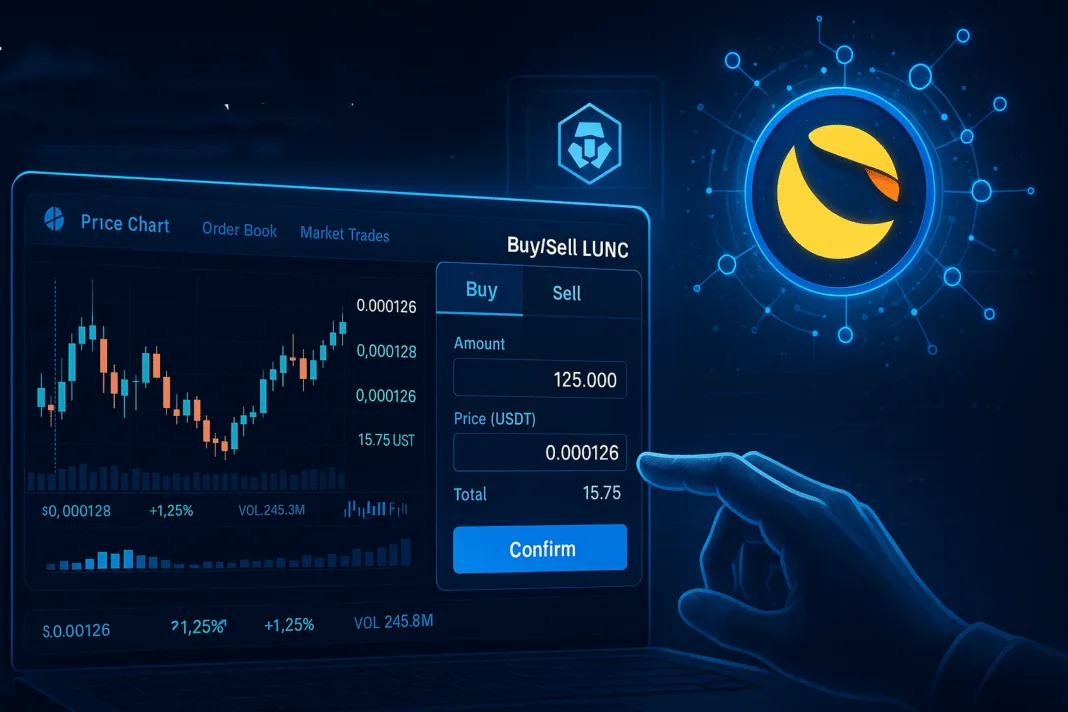

Trading LUNC (Terra Classic) on Crypto.com is a straightforward process for both beginners and experienced traders. Follow these steps to get started.
Step 1: Create and Verify Your Account
Download the Crypto.com app or visit their website to sign up. Provide your email, create a password, and complete identity verification by submitting required documents like a government-issued ID. This ensures compliance with Crypto.com’s security standards.
Step 2: Deposit Funds
Once your account is verified, deposit funds into your Crypto.com wallet. Navigate to the “Accounts” section, select “Deposit,” and choose a cryptocurrency (like BTC or ETH) or fiat currency (e.g., USD). Follow the instructions to transfer funds from your bank or another crypto wallet. Ensure you have sufficient funds to trade LUNC.
Step 3: Navigate to the Trading Platform
In the Crypto.com app, go to the “Trade” section and select “Spot Trading.” Search for LUNC in the trading pairs, such as LUNC/USDT or LUNC/BTC. Crypto.com supports various LUNC pairs, so choose one based on your deposited currency.
Step 4: Place a Trade
Select whether you want to buy or sell LUNC. For buying, enter the amount you wish to purchase and choose a market or limit order. Market orders execute instantly at the current price, while limit orders allow you to set a specific price. Confirm the transaction after reviewing the details.
Step 5: Store or Withdraw LUNC
After trading, your LUNC will appear in your Crypto.com wallet. You can hold it, trade it further, or withdraw it to an external wallet for safekeeping.
Tips for Success
Monitor LUNC’s price trends using Crypto.com’s charting tools. Enable two-factor authentication (2FA) for security. Always double-check transaction details to avoid errors. Happy trading!